All owner guides
Setup guide
Set up VINGA 3 / VINGA S
Fit the wings and shims, attach the board with Click-to-Ride, then install the battery on a VINGA 3 or VINGA S.
- Applies to
- VINGA 3 and VINGA S with Powder (1800/1400) or Fluid (1300/1000) wings. Not verified for VINGA Carve or CLOUD wings.
Fit the wings and shims
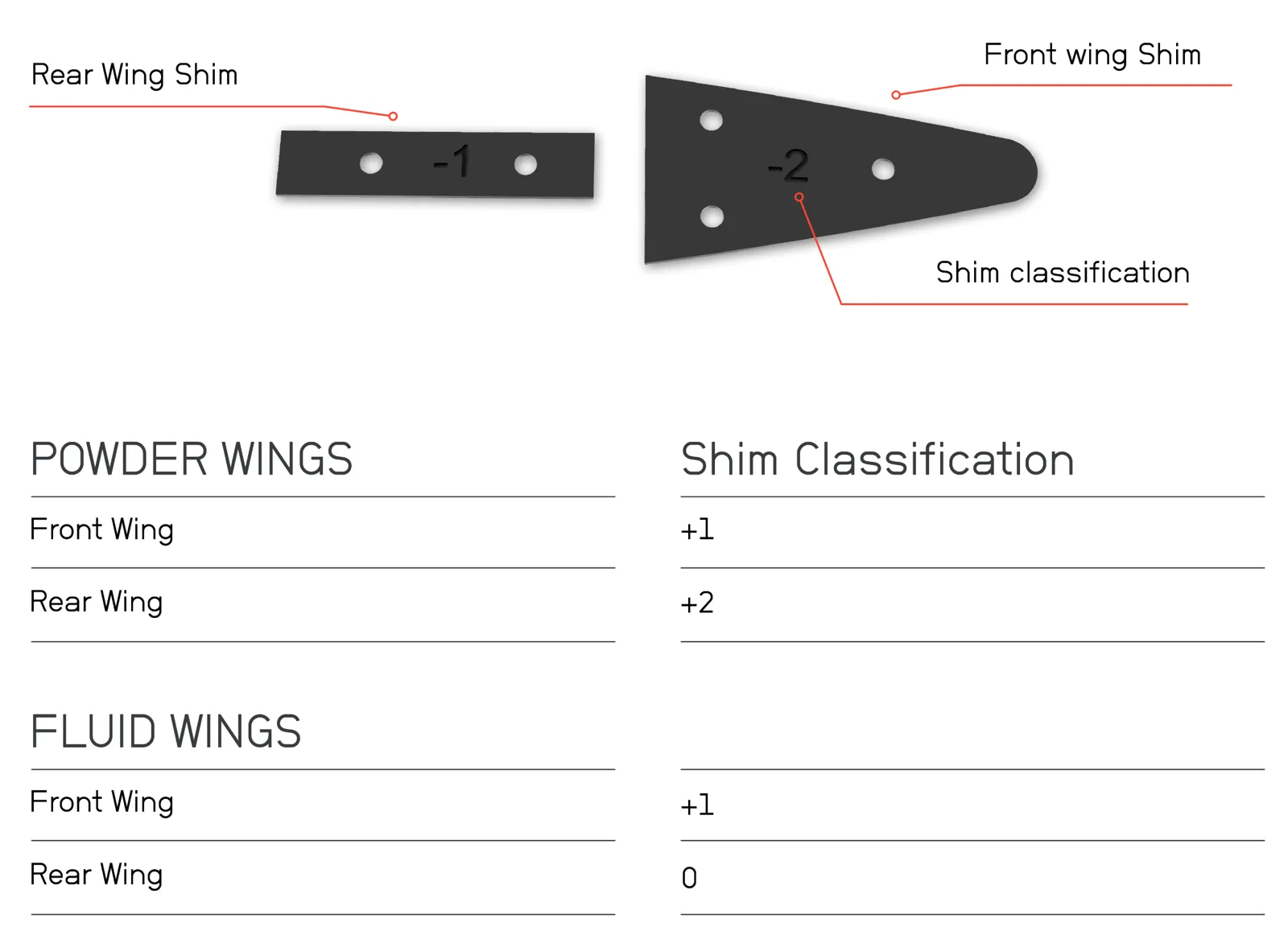
The number moulded on each shim is its classification.
- Fasten the wing screws with the supplied Allen key.
- Fit the shims supplied with your wing set. Awake recommends: Powder front +1, rear +2; Fluid front +1, rear 0.
Attach the board (Click-to-Ride)
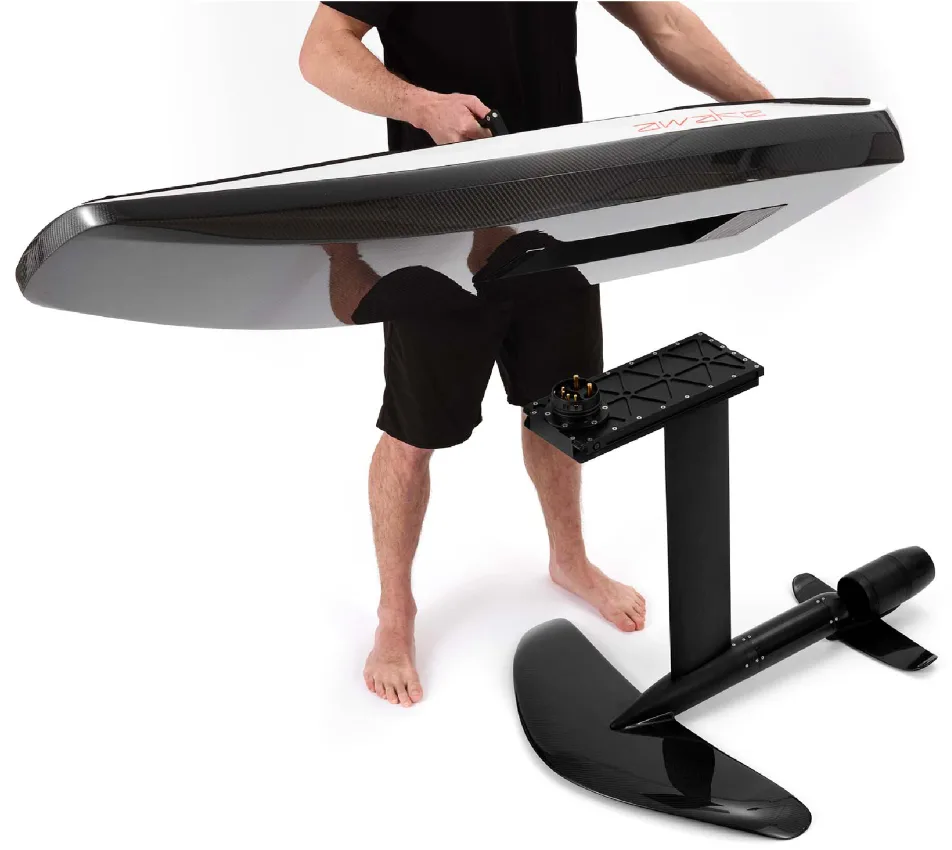
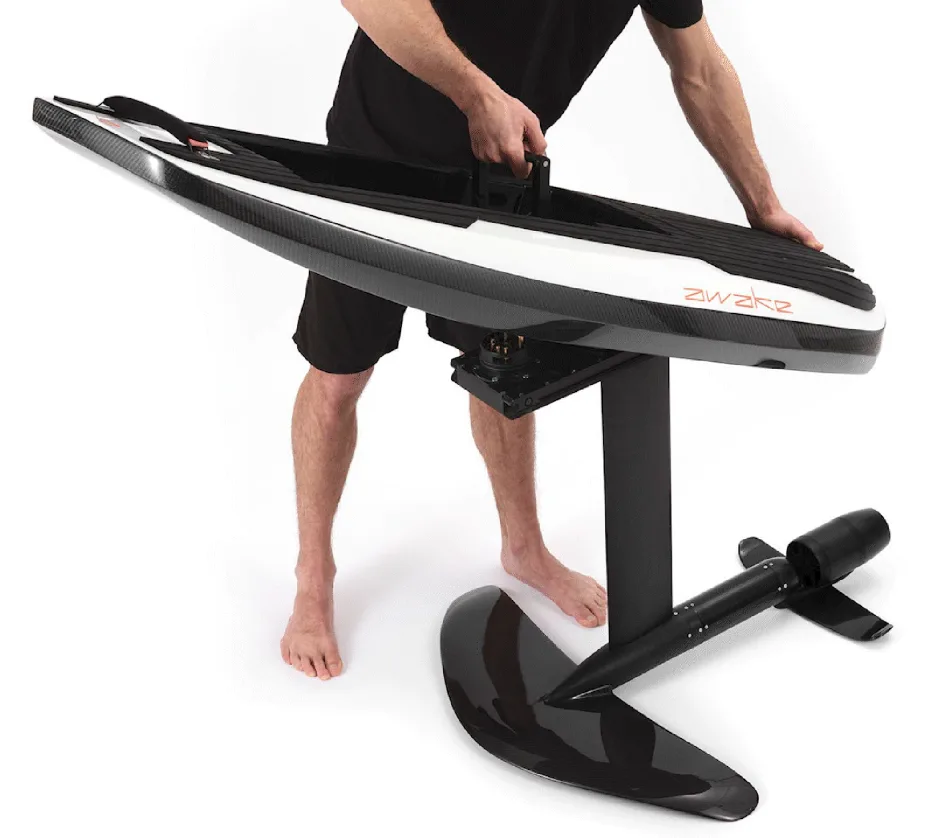
- Point the board's nose toward the Powder (front) wing.
- Lower the board onto the drive unit, back of the connector module first.
- Press down the black locking handle.
- The connection is secure only when the red safety latch clicks into place.
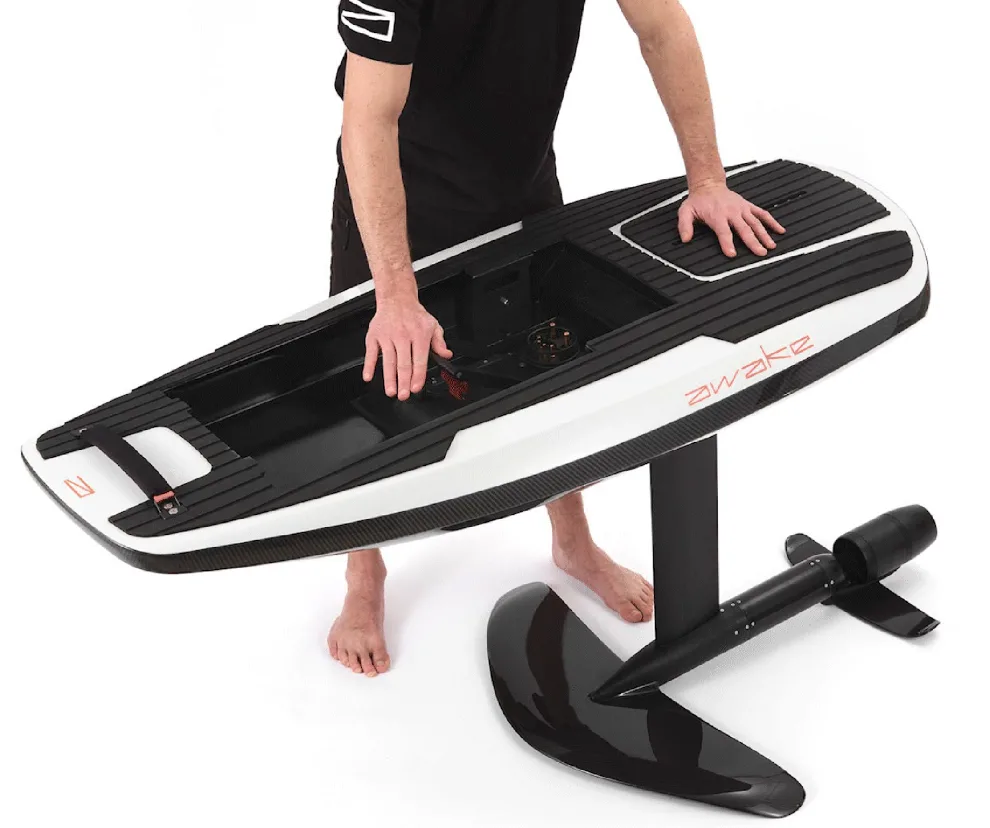
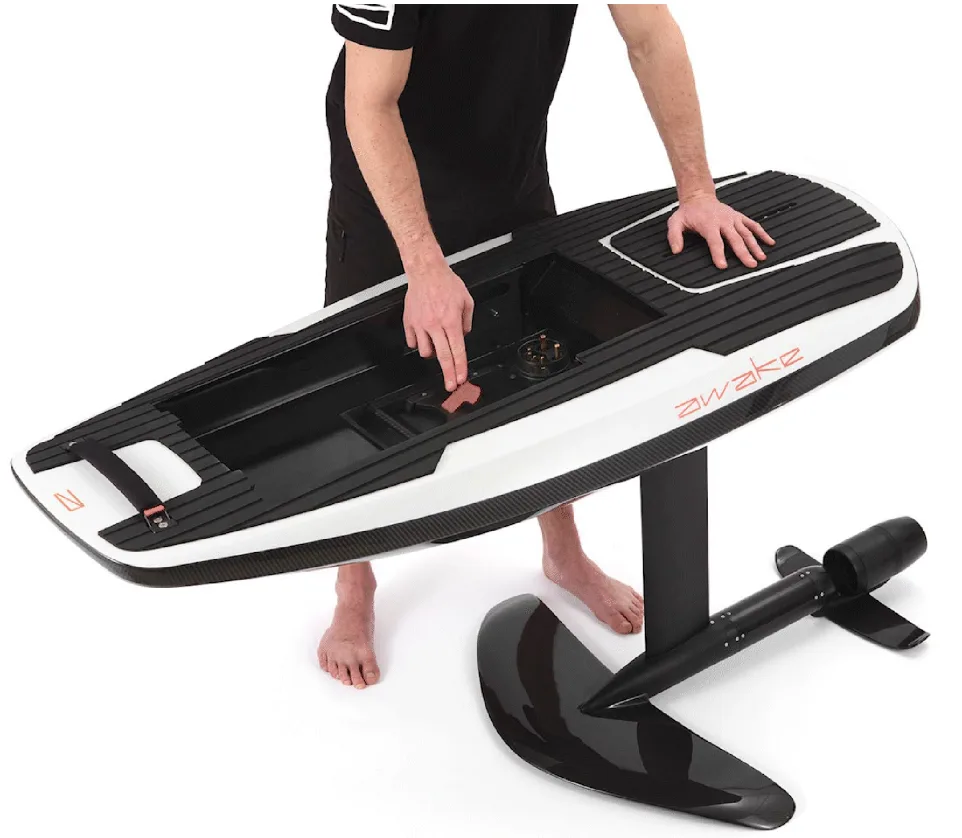
Install the battery
- Charge the battery first (see the charging guide).
- Check the compartment is clean and free of debris.
- Slide the front of the battery in, lining up the pins.
- Push down the locking handle.
- Activate the battery by fitting the Power Key.
Pair the controller
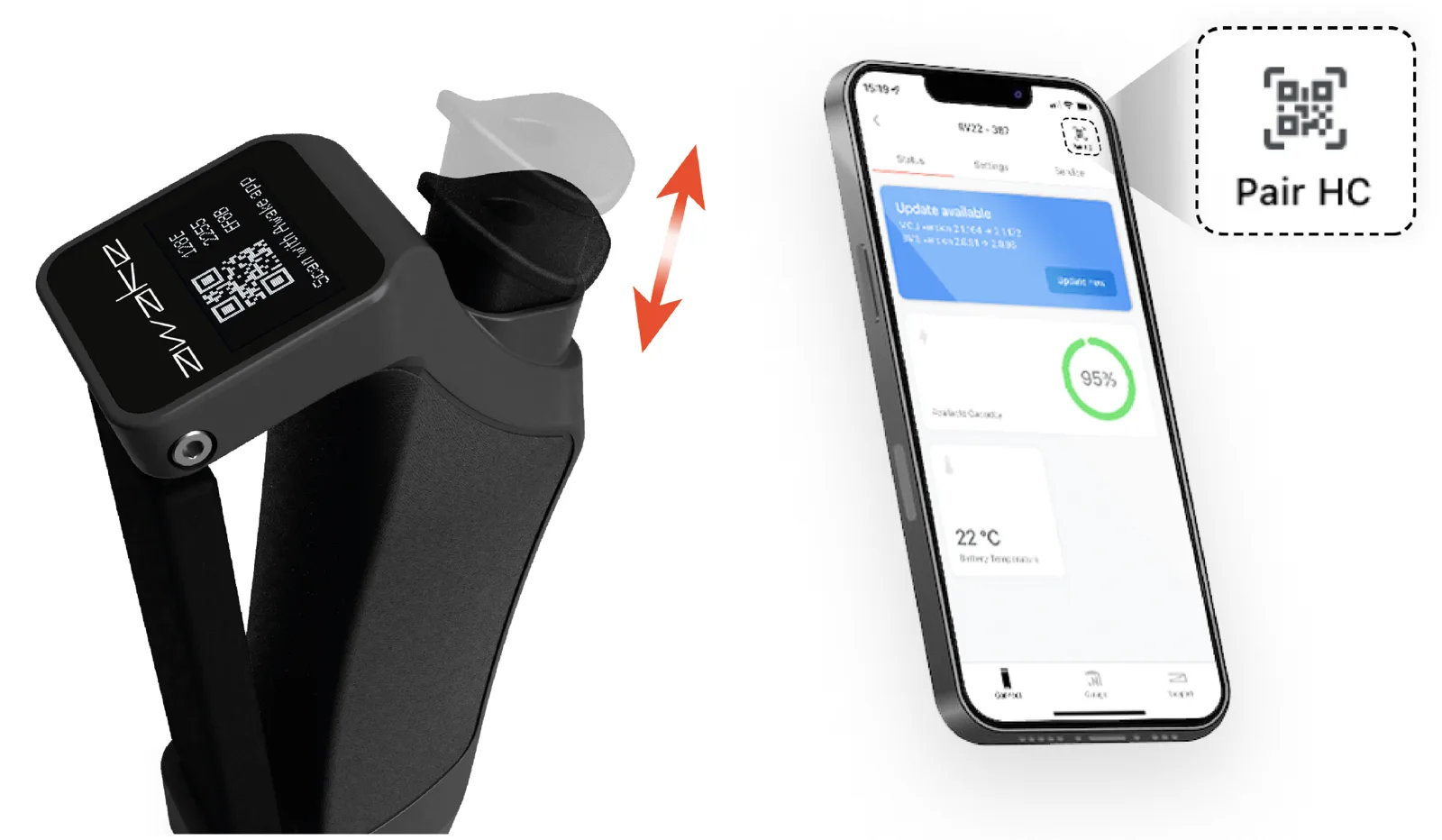
Pairing works the same way as on the RÄVIK 3 / S: wake the controller, show its QR code and use Pair HC in the Awake Link app.