All owner guides
App guide
Awake Link app
Install the app, connect a battery and find status, firmware and support.
- Applies to
- Awake batteries and controllers that connect to Awake Link. Features vary by hardware and firmware.
Install and connect
- Download Awake Link from the App Store or Google Play (links on our Awake Link page).
- Turn on Bluetooth and Location services on your phone.
- Open the app and connect it to one of your Awake batteries.
Tip: rename your batteries under Service in the app.
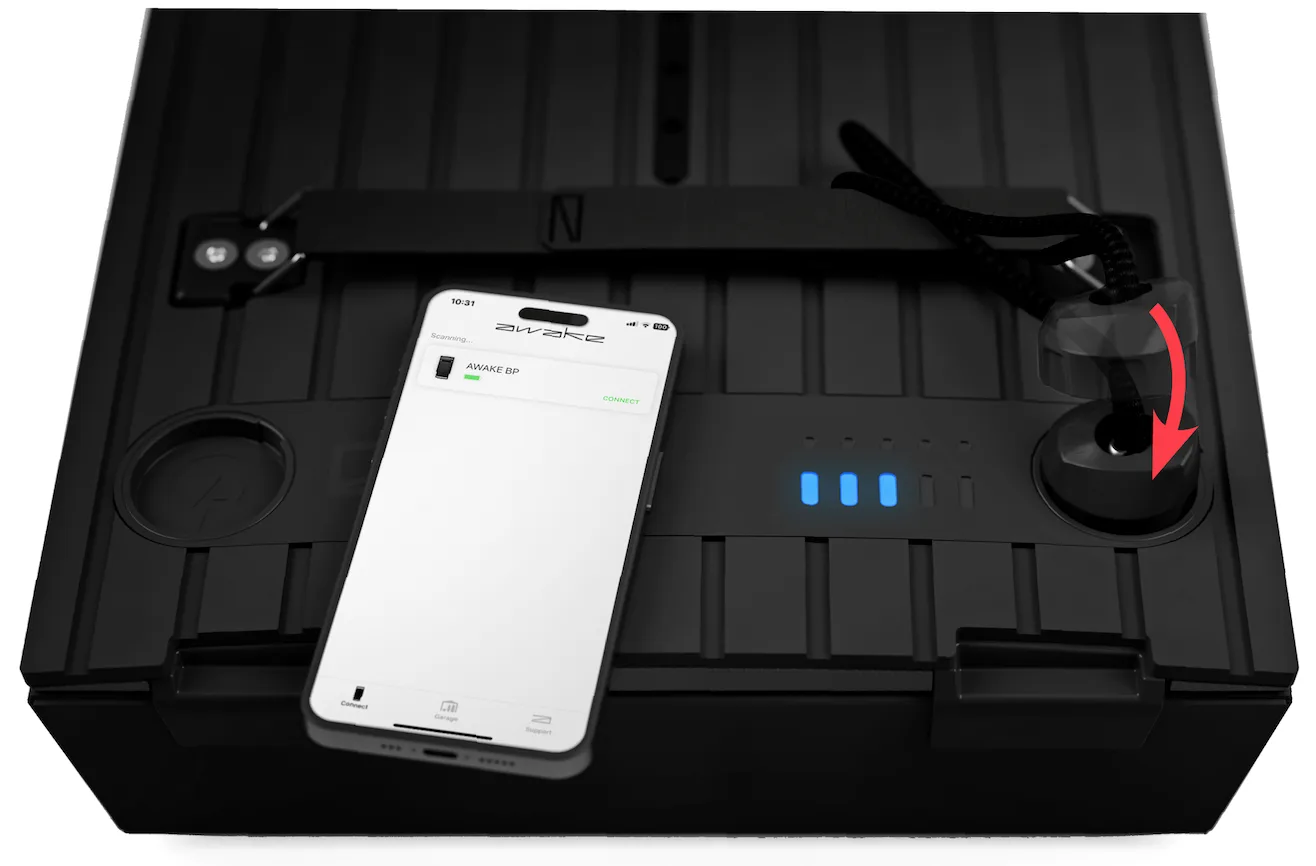
What you'll find
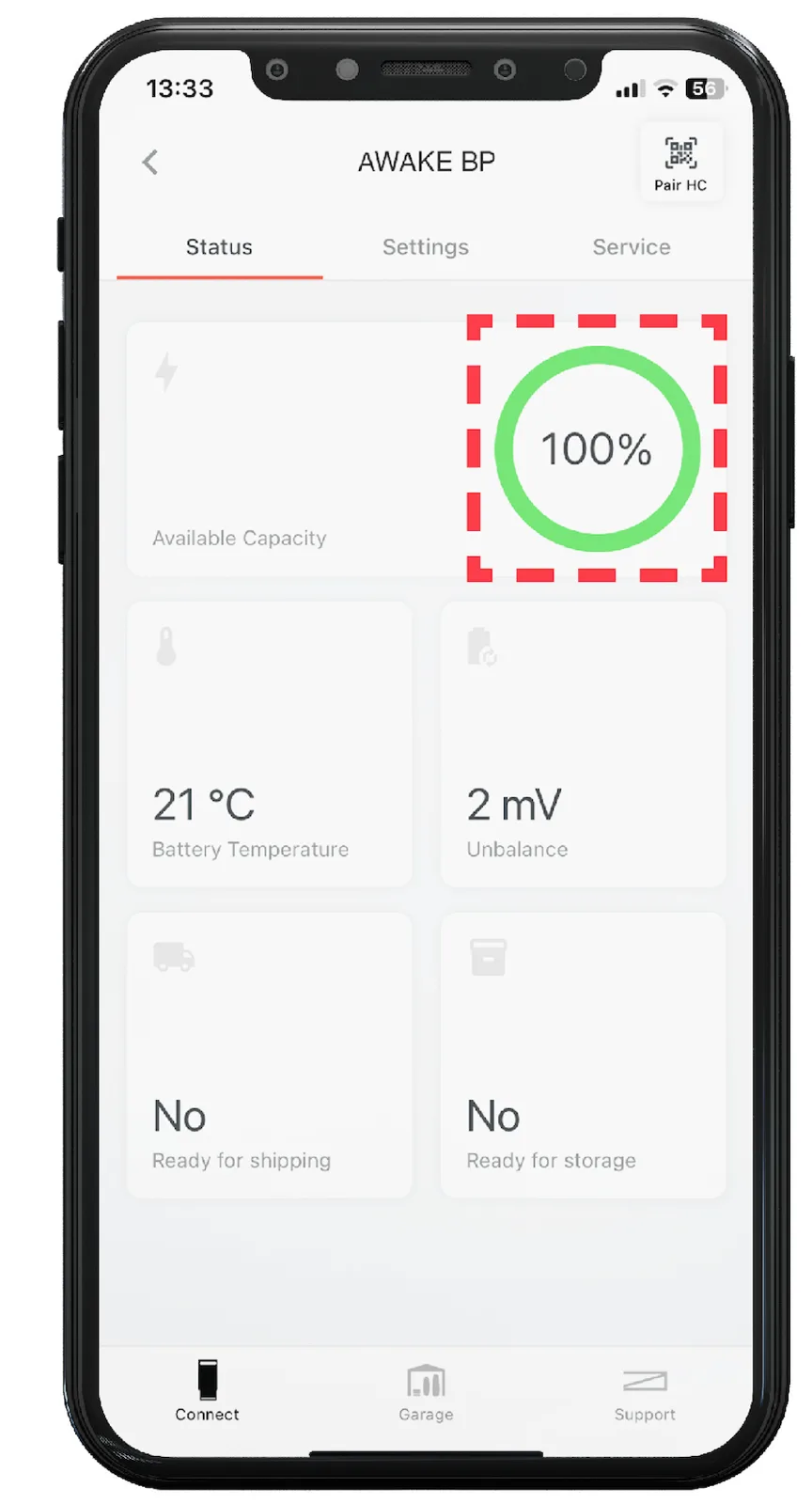
Use the app to check gear status and firmware, and to contact support. Battery charge is on the Status tab.
Download links
Our Awake Link page has the official App Store and Google Play links.
Open our Awake Link page