
The Awake App
AWAKE LINK
Pair your Flex Battery with Awake Link to monitor power, dial in ride profiles and receive the latest firmware — all from your phone, over Bluetooth.
Free · iOS & Android · By Ride Awake ApS
Inside the App
EVERY SCREEN, BUILT FOR THE RIDE.
What It Does
YOUR BOARD, IN YOUR POCKET.
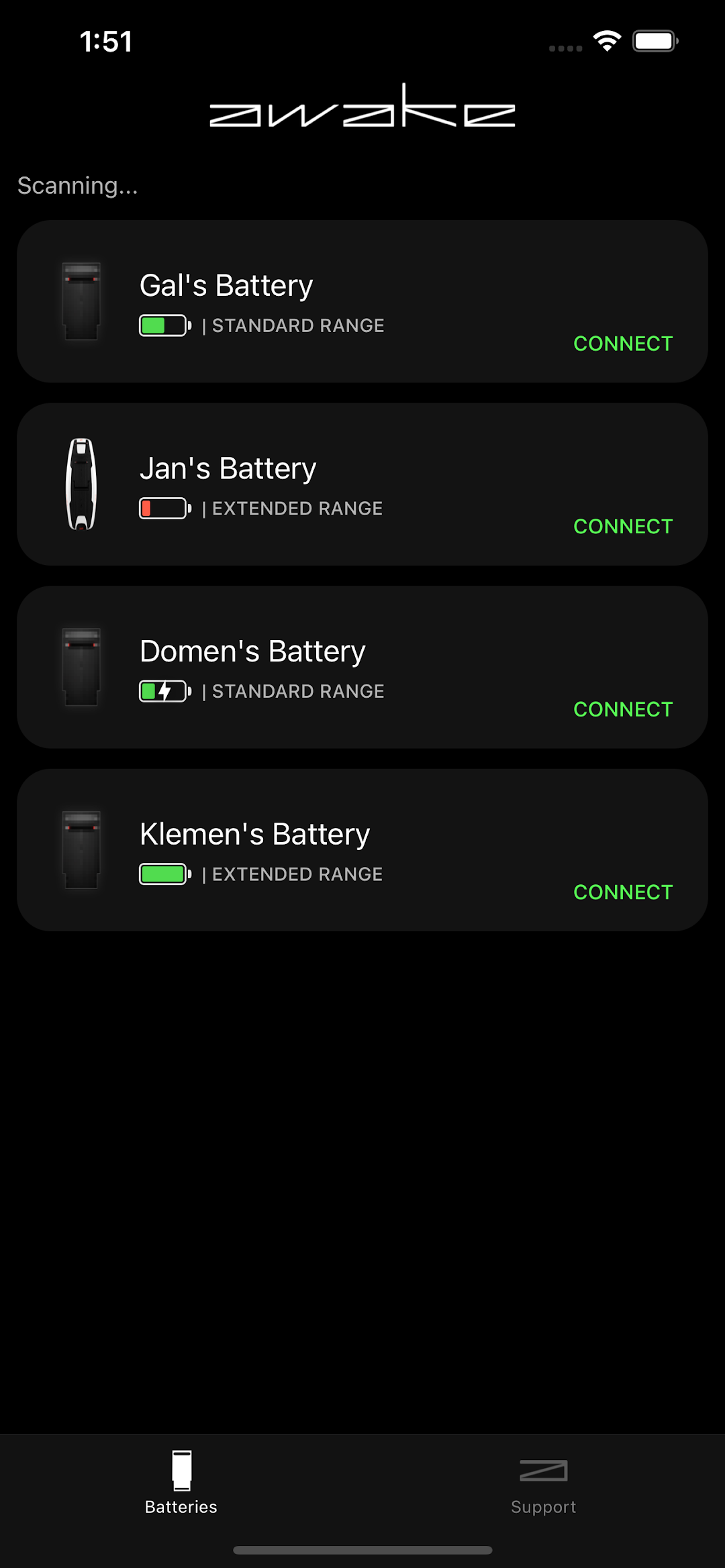
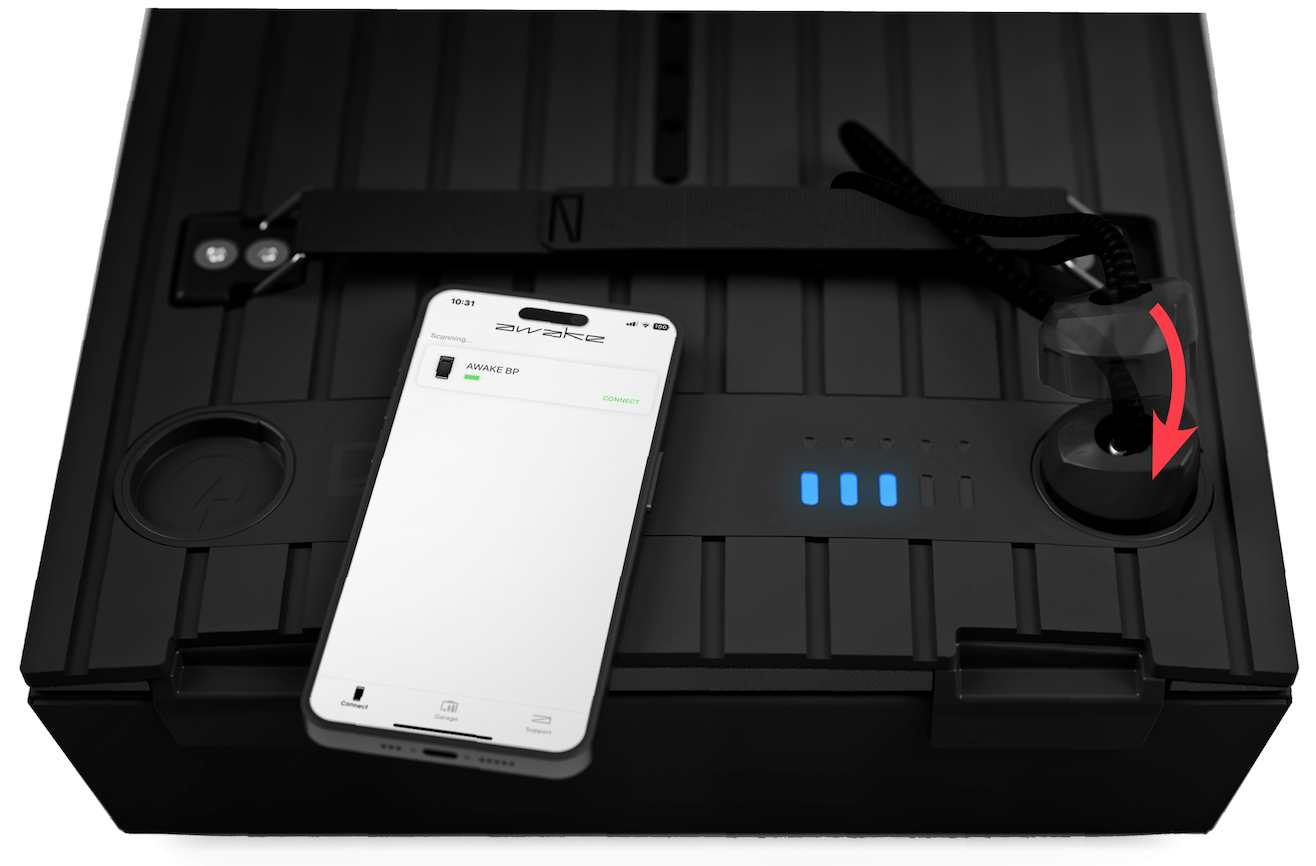
Pair your battery
Connect Awake Link to any Awake Flex Battery over Bluetooth. Rename your packs and manage every battery you own from one place.
Power modes
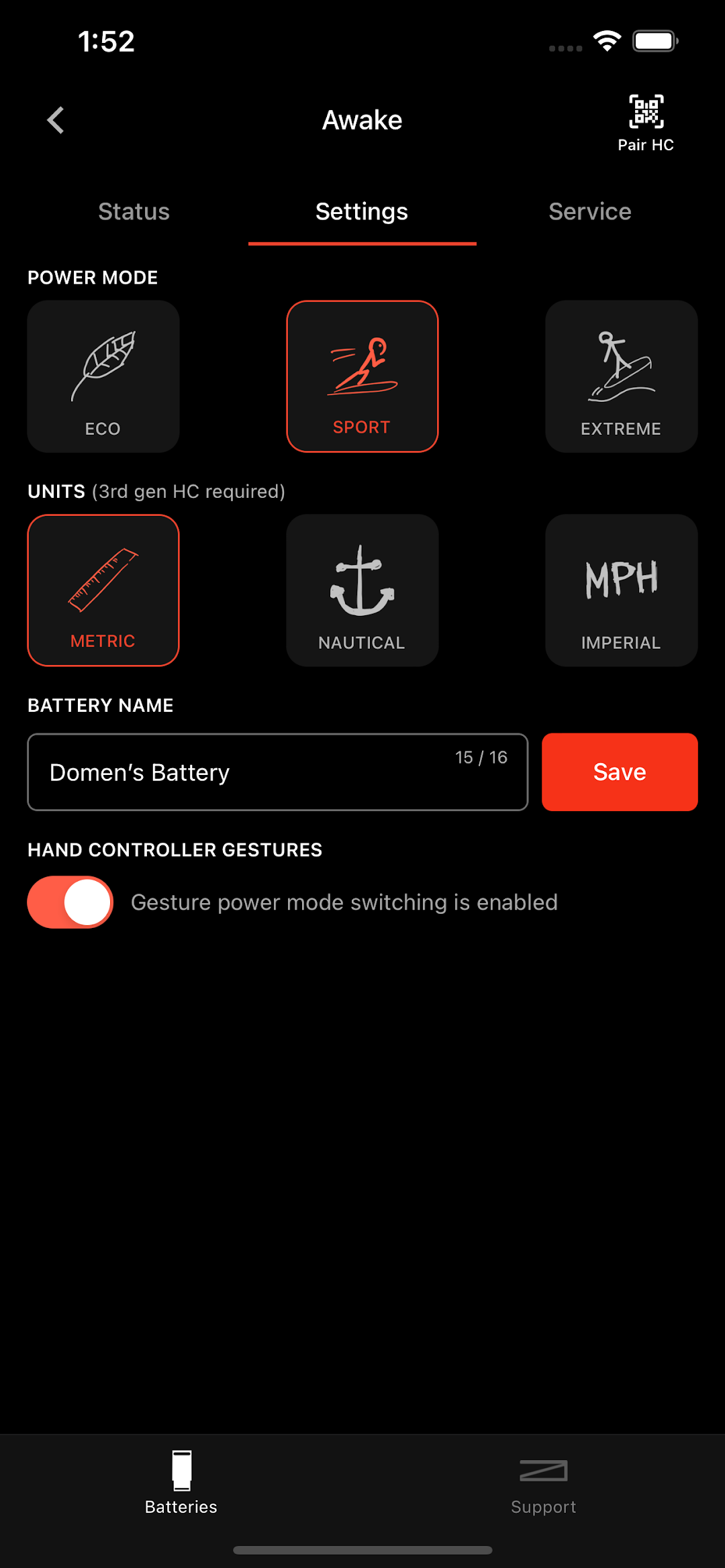
Try different ride profiles for the rider, the conditions and the moment — dialled in straight from your phone.
Gear status
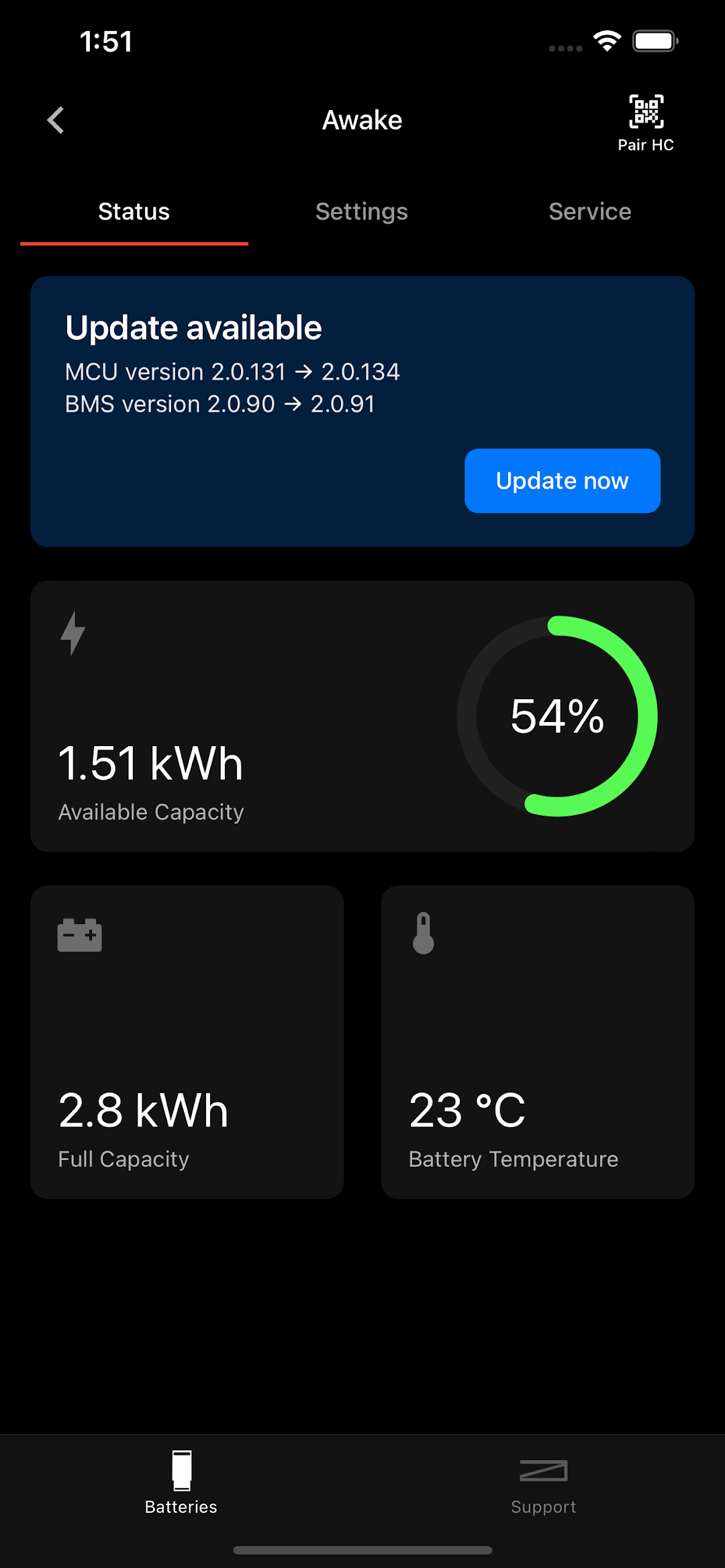
See battery state, firmware version and system data for every Awake Flex Battery paired to your account.
Firmware updates
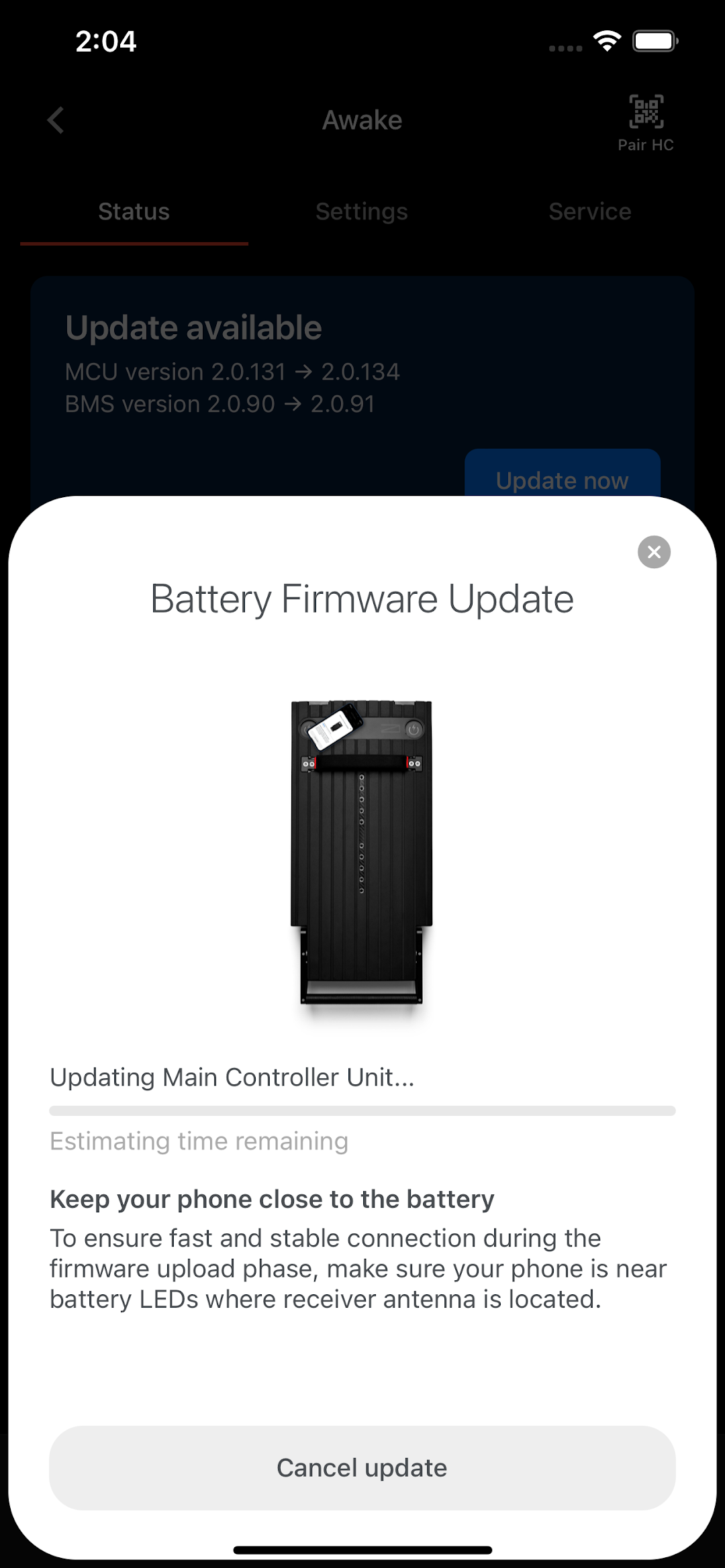
Keep your board up to date with the latest firmware delivered over Bluetooth — straight from Ride Awake.
Getting Started
PAIR IN UNDER A MINUTE.
- 01 Download Awake Link from the App Store or Google Play.
- 02 Activate Bluetooth and Location services on your phone.
- 03 Open the app and connect to one of your Awake batteries.
- 04 Rename packs, switch power modes, check status, run updates.
- Platforms
- iOS & Android
- Connection
- Bluetooth
- Price
- Free
- Developer
- Ride Awake ApS
- Compatibility
- All Flex Battery boards
FAQ
QUESTIONS
Which boards does Awake Link work with?
Awake Link pairs with the Awake Flex Battery — including Flex Battery 4 (XR 4, LR 4) and earlier compatible Flex packs. The app talks to the battery, so it covers both jetboards and eFoils.
Do I need the app to ride?
No. The board is fully controlled by the Flex Hand Controller. Awake Link is for setup, telemetry, customisation and updates.
Is it free?
Yes. Awake Link is free to download on iOS and Android.
How does it connect?
Activate Bluetooth and Location services on your phone, open Awake Link and connect to one of your Awake batteries. No internet needed on the water.